How to Choose Among Accounts Payable Automation Companies
By Ari Schlacht ·
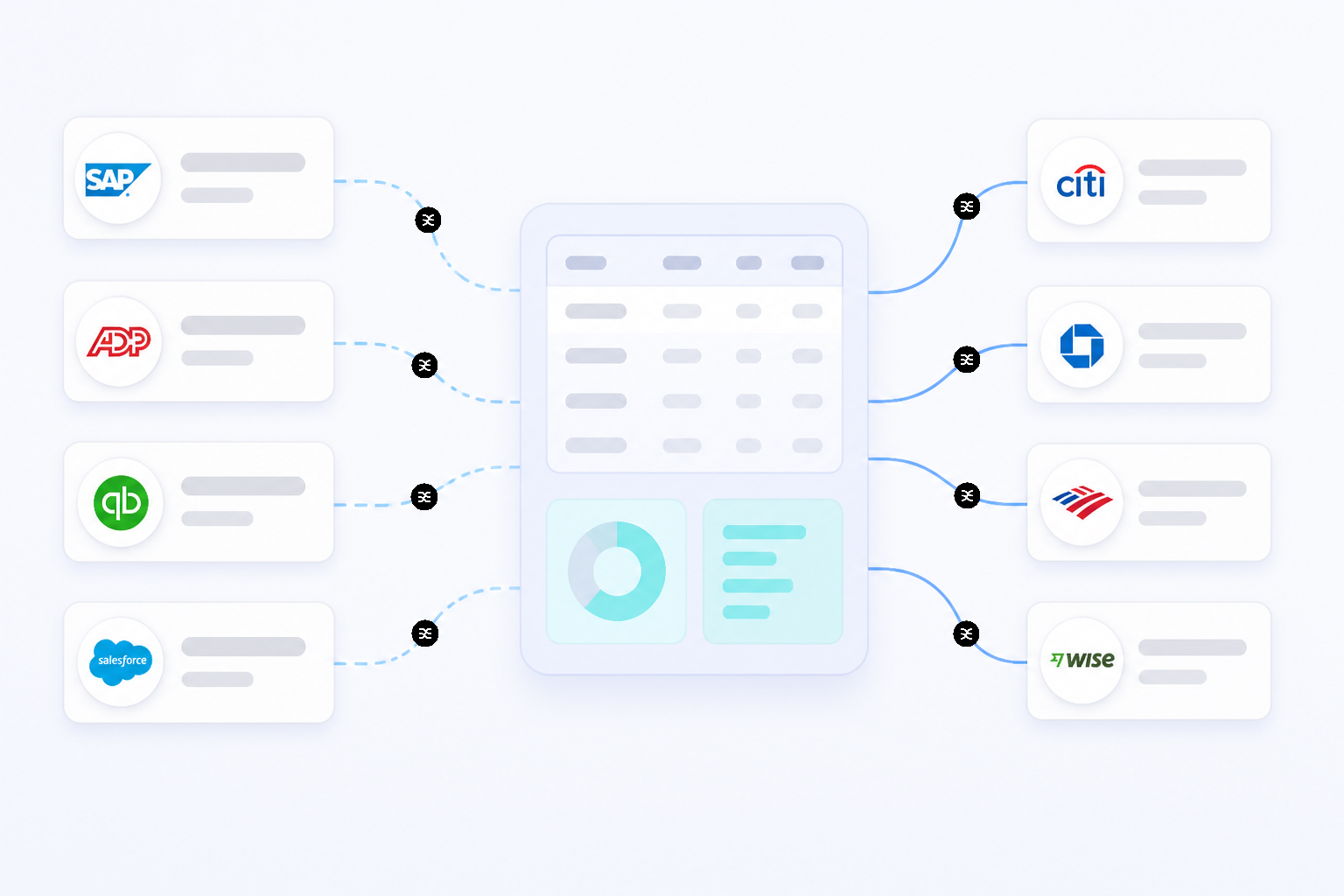
If you're still shuffling paper invoices or manually keying payment data into a spreadsheet, you know the process is slow, tedious, and prone to error. You're not alone, but the landscape is changing rapidly.
Thanks to new, smarter tools, an SAP Concur report shows that 52% of accounts payable (AP) professionals now spend fewer than ten hours per week processing invoices. That's a significant drop in administrative work, freeing up valuable time for small business owners and finance teams to focus on growth instead of paperwork.
This piece describes a major shift in how businesses handle their money. The old way—chasing approvals, stuffing envelopes, and risking late fees—is being replaced by automated systems that handle the busywork for you. For freelancers and small business owners juggling multiple projects and income streams, this shift is even more critical.
It creates a financial engine that runs smoothly in the background, so you can stay focused on your actual work.
Why Is Everyone Talking About AP Automation Now?
The buzz around accounts payable automation is more than just hype, an entire industry is being reshaped. The global market for this software is booming, projected to hit nearly USD 7.95 billion by 2026.
This rapid growth isn't happening in a vacuum. It's a direct response to the real challenges businesses face with outdated, manual systems.
For generations, paying bills has been a stubbornly hands-on process. It involved receiving a paper invoice, physically routing it for approval, manually entering it into an accounting system, and finally, cutting and mailing a check. Every step was an opportunity for delay, human error, or a lost document.
Modern accounts payable automation companies are changing this by offering cloud-based solutions that streamline the entire workflow. Instead of a stack of paper, you have a digital dashboard. Invoices are captured automatically, data is extracted without manual keying, and approvals can be done with a click, from anywhere.
This move to the cloud is a big deal. For instance, enterprise software giant SAP reported a cloud backlog of EUR 14.2 billion in early 2024, highlighting just how many businesses are making this transition. It's not just for large corporations, either.
An increasing number of solutions are designed for small and mid-sized businesses, making these useful tools more accessible than ever. The goal is no longer just to pay bills on time, but to turn the entire payables process into a source of strategic financial data.
How Does AP Automation Actually Boost Efficiency?
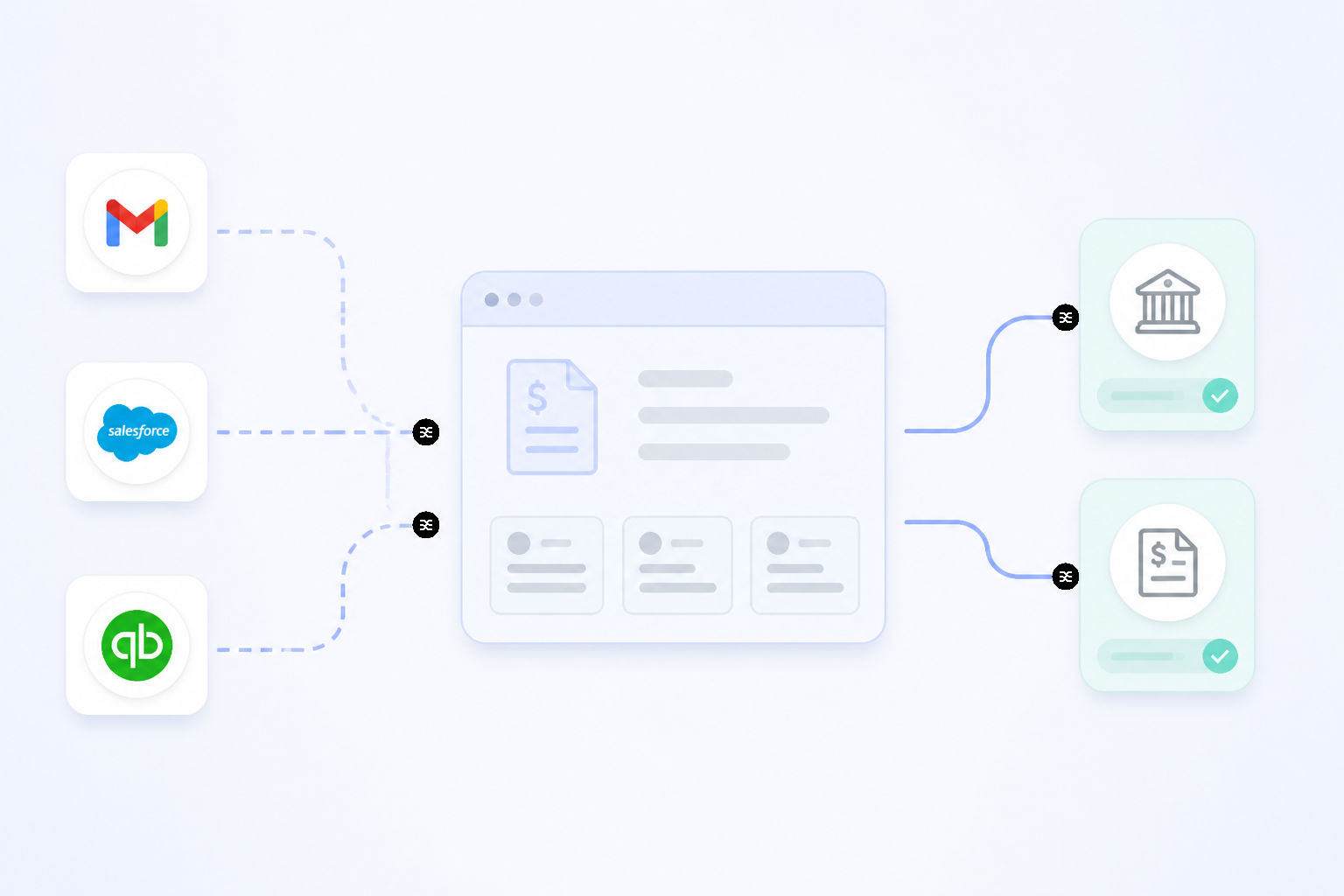 When you hear that automation can cut invoice processing time in half, it can sound like a marketing line. But the efficiency gains are real and come from solving very specific, tangible problems in the traditional payables workflow. It replaces slow, manual steps with fast, intelligent systems.
The impact is clear. Recent data shows that the percentage of invoices needing to be manually entered into accounting systems has dropped from 85% to 60% in just one year.
That's a massive reduction in one of the most time-consuming and error-prone tasks in finance. Let's break down how this happens.
From Manual Entry to Intelligent Capture
The first step in paying a bill is getting the invoice into your system. Traditionally, this meant a person had to sit down and type in the vendor name, invoice number, date, amount, and line items.
Accounts payable automation software handles this differently:
- Email Integration: Vendors can email invoices directly to a dedicated address. The system automatically pulls the attached invoice and starts processing it.
- Optical Character Recognition (OCR): The software scans the invoice document, whether it's a PDF or a photo from your phone, and "reads" the key information. It identifies the vendor, total amount, due date, and other critical data, populating the fields for you.
- Data Validation: The best systems don't just read the data; they check it. They can match the invoice to a purchase order or verify that the vendor exists in your system, flagging potential discrepancies before they become problems.
Streamlining Approvals and Payments
Once an invoice is in the system, it often needs to be approved before it can be paid. This is another area where manual processes create bottlenecks. An invoice can get stuck on someone's desk for days, or lost in a flurry of emails.
Automation replaces this chaos with a clear, orderly process. You can set up custom rules to automatically route invoices to the right person for approval based on the amount, department, or vendor. Approvers get a notification and can review and approve the invoice on their computer or phone.
The entire history, who reviewed it and when, is logged automatically, creating a clear audit trail.
Finally, when it's time to pay, the system can handle that too. It can sync with your bank account to initiate ACH transfers, virtual card payments, or even print and mail checks automatically, all while recording the payment in your accounting software.
What Does "AI-Powered" Mean for Your Bills?
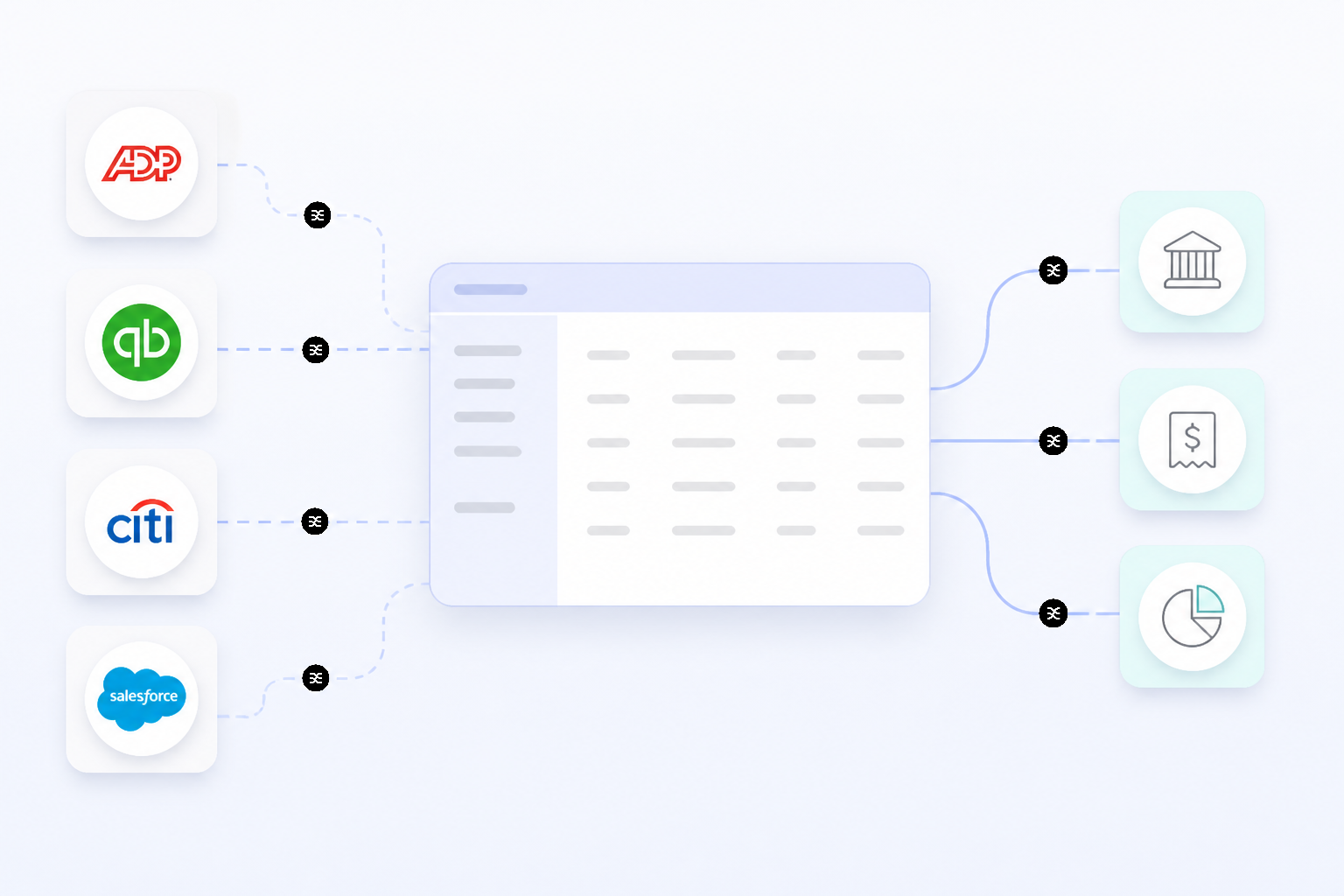 You're probably seeing the term "AI" everywhere, and accounts payable is no exception. While the technology is still in its early days for many businesses, it's poised to fundamentally change how financial operations are run.
Right now, only about 7% of AP processes use AI. However, that number is set to jump dramatically, with 40% of businesses planning to adopt AI-driven systems by 2026. So, what does this actually mean for paying your bills?
AI goes beyond the basic automation of capturing and routing invoices. It adds a layer of intelligence that helps the system learn, adapt, and provide insights. Here are a few examples:
- Smarter Fraud Detection: AI algorithms can analyze thousands of invoices to learn what's normal for your business. It can then flag unusual activity, such as an invoice from an unknown vendor, a sudden spike in an invoice amount, or a duplicate payment, helping you catch potential fraud before money leaves your account.
- Intelligent Exception Handling: Sometimes, things don't match up. The price on an invoice might be different from the purchase order, for example. Instead of just flagging the error for a human to fix, AI-powered systems can start to suggest solutions or even resolve simple discrepancies on their own.
- Cash Flow Forecasting: By analyzing your payment history, due dates, and vendor terms, AI can provide more accurate predictions of your future cash needs. This helps you better manage your cash flow, decide which bills to pay when, and potentially take advantage of early payment discounts.
The goal of AI in this context is to move your AP process from a reactive, administrative function to a proactive, strategic one.
How to Compare Accounts Payable Automation Software?
With the market growing, the number of accounts payable automation companies has exploded. Finding the best accounts payable automation software for your specific business can feel overwhelming. How do you really compare them?
Start by focusing on the core problems you need to solve. Are you drowning in paper invoices? Constantly chasing down approvals?
Worried about duplicate payments? Your primary pain points should guide your evaluation. From there, you can create an accounts payable automation software comparison focused on the features that matter most.
The broader market is also seeing a lot of consolidation. Companies are being acquired and merged to create more comprehensive platforms, a trend seen in recent moves by firms like Corpay, Basware, and Modulr, as noted in recent M&A signals of consolidation.. This consolidation suggests a move toward integrated solutions that manage all of a company's spending, not just a single piece of it.
Here's a simplified breakdown of how different approaches stack up:
| Feature | Manual AP Process | Basic Automation | AI-Driven Automation |
|---|---|---|---|
| Invoice Entry | 100% manual keying | OCR scanning, email import | Intelligent data extraction and validation |
| Approval Routing | Email chains, walking paper around | Pre-set digital workflows | Dynamic, context-aware routing |
| Error Rate | High, frequent human errors | Reduced, flags discrepancies | Very low, learns and self-corrects |
| Fraud Detection | Relies on human review | Basic duplicate checks | Advanced anomaly and fraud analytics |
| Strategic Insight | None | Basic reports on spending | Predictive cash flow, trend analysis |
When evaluating top accounts payable automation software, it's also worth looking at what they offer for your other major financial process: accounts receivable. Some platforms offer both accounts payable and accounts receivable automation software, allowing you to manage money coming in and money going out from a single dashboard. This can provide a much fuller picture of your business's financial health.
Untangling Your Financial Workflows
Automating how you pay bills is a powerful step toward a more organized financial life for your business. But it's often just one piece of a more complicated puzzle. Money comes in from clients, goes out to vendors, gets set aside for taxes, and needs to be allocated for payroll and profit.
True financial control comes from seeing how all these pieces fit together.
The principles behind accounts payable automation, using rules and workflows to move money intelligently, can be applied to your entire financial system. Once an invoice is paid by a client and lands in your operating account, a new set of questions begins. How much of that needs to be moved to a tax savings account?
How much should be earmarked for owner's pay or reinvestment?
This is where planning your cash flow becomes crucial. For business owners, especially those with variable income, building a system that automatically directs funds can be beneficial. For example, a smart financial router like Sequence allows you to create custom rules for your money.
You can set up automated workflows that, say, move 25% of every deposit over $1,000 into a separate "tax" pod, ensuring the funds are there when you need them. This level of Target Balance Financial Automation connects the dots between different accounts and financial goals, creating a system that manages itself.
Ultimately, the goal is to build a financial operation that supports your business, instead of a system that you constantly have to manage. Whether you're starting with accounts payable or rethinking your whole cash flow, automation is the key to reclaiming your time and gaining true financial clarity.