How to Set Up Automatic Payments Strategically
By Liza Zautner ·
Many people are wary of automatic payments. The idea of money leaving your account without your final, manual approval each month can feel risky.
Yet, a recent study shows a clear trend: while only 36% of all consumers set up automatic payments with every provider, that number jumps significantly for higher earners and younger generations. Nearly half (48%) of households earning over $100,000 and over 40% of Millennials and Gen Z use autopay extensively.
These groups often treat their finances like a system to be optimized, not a list of chores to be completed. They understand that the risk is not automation itself, but the mental load, potential for error, and wasted hours that come from managing everything by hand. For freelancers and business owners, the time saved by not having to manually pay a dozen bills each month is time that can be reinvested into growing their business.
Learning how to set up automatic payments strategically is about reclaiming control over your most valuable asset: your time.
What's the Real Risk: Autopay or Manual Payments?
The hesitation around setting up automatic payments is understandable. Concerns about potential overdrafts from an unexpected charge or the hassle of canceling a forgotten subscription are valid. We've all heard stories of a gym membership that just wouldn't die.
These fears center on a loss of control.
But it's worth considering the hidden risks of sticking to manual payments.
- Late Fees: Life gets busy. A single forgotten bill can result in a $30 or $40 late fee, instantly negating any savings you might have earned that month.
For a small business, a few late vendor payments can damage relationships and even affect credit terms.
Credit Score Damage: Consistently paying bills on time is one of the single biggest factors in your credit score. A missed payment that is 30 days or more late can be reported to credit bureaus and pull your score down for years.
Mental Overhead: The constant, low-level anxiety of remembering due dates, logging into multiple websites, and confirming payments takes up limited mental energy. This is cognitive drag that pulls your focus away from more important decisions, whether that's your next business move or simply being present with your family.
The choice isn't between a risky automated system and a safe manual one. It's about which system's risks you are better equipped to manage. A well-designed approach to automatic payments, one with guardrails and regular check-ins, is often far safer than relying on human memory alone in a complex financial world.
How Do Automatic Payments Actually Work?
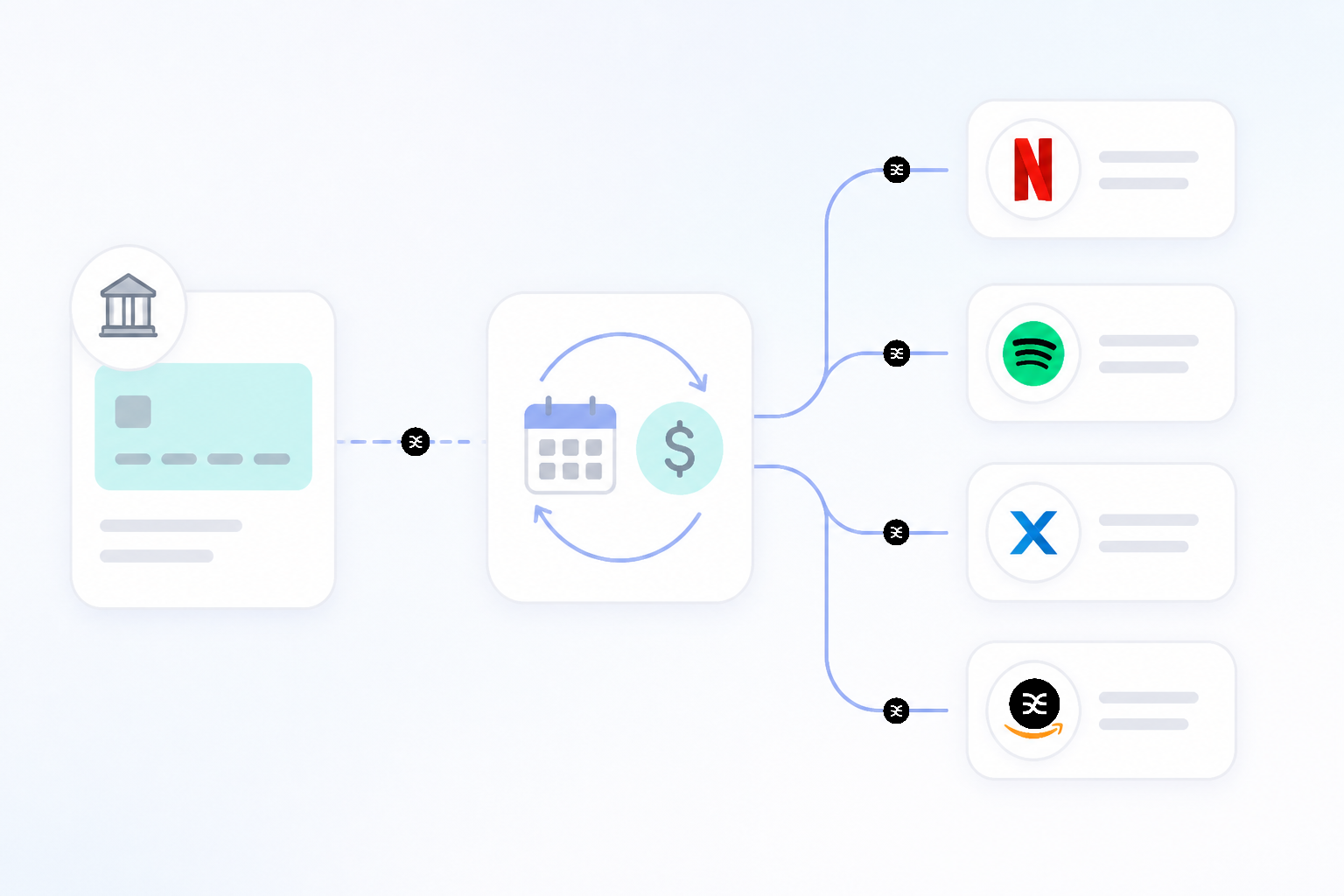 At its core, an automatic payment is simply a standing permission you give to a company to take money from your account on a recurring schedule. A key detail lies in who you give that permission to. This is the main difference between setting up automatic payments with a biller and using your bank's bill pay feature.
Automatic Payments vs. Bank Bill Pay
Understanding the difference between "push" and "pull" payments is central to managing your cash flow. You're either pushing money out from your bank or a company is pulling it from you. When you're determining how to set up automatic payments for a specific bill, you'll be choosing one of these methods.
| Feature | Automatic Payment (Pull) | Bank Recurring Bill Pay (Push) |
|---|---|---|
| Who Initiates? | The company you're paying (e.g., Netflix, your landlord). | You, through your bank's online portal. |
| How it Works | You give your account or card info to the biller and pre-authorize them to take payment on a set schedule. | You tell your bank to send a specific amount to a biller on a recurring date. The bank then either sends an electronic payment or mails a paper check. |
| Best For | Bills with variable amounts (utilities, credit cards) or digital subscriptions. Any company that offers a discount for autopay. | Bills with fixed amounts (rent, car loan, mortgage) or paying individuals/small vendors who don't have an autopay system. |
| Primary Risk | The biller could withdraw the wrong amount or continue charging after cancellation. Requires monitoring your account. | If the bank mails a check, it can be lost or delayed. You need to update the payment if the bill amount changes. |
Choosing Your Payment Method
When you set up an automatic payment with a company, you'll typically have a choice between linking a bank account (via ACH transfer) or a credit/debit card.
- Bank Account (ACH): This is a direct debit from your checking or savings. It's usually free for you and cheap for the biller, which is why some companies offer a small discount for using it.
- Credit Card: Using a credit card for automatic payments can be a great way to earn rewards points, and it adds a layer of fraud protection between a biller and your actual cash. However, some billers, especially for utilities or rent, may charge a processing fee (often 2-3%) for card payments.
- Debit Card: This offers the convenience of a card payment but pulls directly from your checking account. It generally has fewer consumer protections than a credit card, making it the least preferred option for many.
For many people, a hybrid approach makes the most sense. Use a credit card for smaller subscriptions to earn rewards and tap into stronger fraud protection, and use ACH for large, trusted payments like your mortgage or car loan.
How to Set Up Automatic Payments the Right Way?
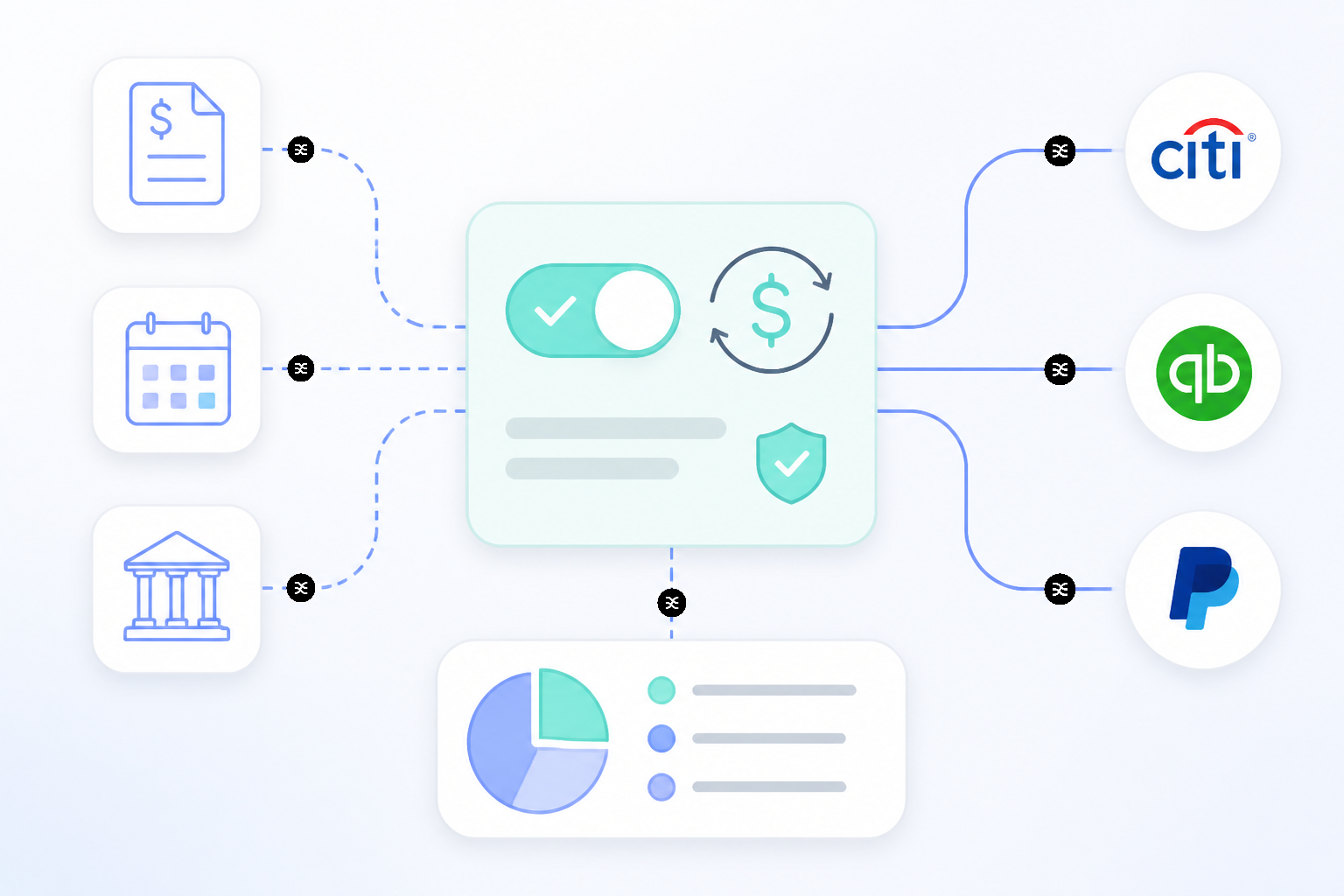 "Set it and forget it" is a dangerous myth. " A strategic setup gives you the time-saving benefits of automation while keeping you firmly in the driver's seat. Here's a five-step process to get started.
Conduct a Bill Audit. You can't automate what you can't see. Open a spreadsheet or grab a notebook and list every single recurring expense you have. Include the company, the due date, and the typical amount. This goes for business software, personal utilities, loan payments, subscriptions, and even quarterly tax estimates.
Dedicate a "Bills" Account. This is a powerful step many people skip. Instead of having all your automatic payments pull from your primary checking account where daily spending happens, open a separate, dedicated checking account just for bills. You can then set up an automatic transfer to fund this account once or twice a month. This quarantines your bill money, makes it incredibly easy to see if a payment has gone through, and protects your primary cash from an accidental overdraft.
Visit Each Biller's Website. With your list in hand, log into each provider's online portal one by one. Look for a section called "Billing," "Payments," or "Autopay." This is the most time-consuming part, but you only have to do it once for each bill. When you find the setup page, you'll authorize the company to withdraw funds.
Configure Your Payment Rules. You have more control than you think. For each bill, you'll need to make a few choices.
Payment Date: If you have the option, choose a date a few days after your paycheck or primary income deposit typically lands. This ensures the funds are always there.
Payment Amount: For credit cards, you can often choose to pay the full statement balance, the minimum payment, or a fixed amount. Always opt for the full balance if you can to avoid interest. For utilities and other variable bills, you'll be authorizing the full amount due each month.
End Date: For installment loans like a car payment, you can set an end date to prevent payments from continuing after the loan is paid off. For ongoing services, you can usually leave this blank.
- Set a Calendar Reminder to Review. This is the crucial final step. Once a month, perhaps on the first Friday, set a recurring 15-minute appointment with yourself. During this time, open your "Bills" account statement and your credit card statement. Scan the transactions and check them against your bill audit list. Look for anything unexpected. This simple habit turns "set it and forget it" into a secure, controlled system.
Your Payments, Your System
Shifting from manual payments to a system of automated ones is more than a simple efficiency tweak. It's a fundamental change in how you manage your financial operations. Instead of constantly reacting to due dates, you proactively design a system that runs itself, freeing you to focus your attention on growth and strategy.
Once you’ve mastered how to set up automatic payments for your expenses, you can apply the same logic to the rest of your financial life. The goal is to build a complete, automated cash flow engine. For business owners and freelancers, this means creating rules to automatically route income as it arrives.
A smart financial router like Sequence allows you to build a visual map of your bank accounts and create simple "if/then" rules to move money. For example, you can set a rule that automatically transfers 30% of every incoming payment into a separate tax savings account, and another 10% into a profit account.
This approach ensures that money for taxes, bills, and owner's pay is always allocated before it can be accidentally spent. It transforms your bank accounts from a confusing pool of cash into a clear, purpose-driven system, bringing order to even the most inconsistent income.