So Stripe Does Invoicing. Why Are Yours Still Unpaid?
By Gilad Uziely ·
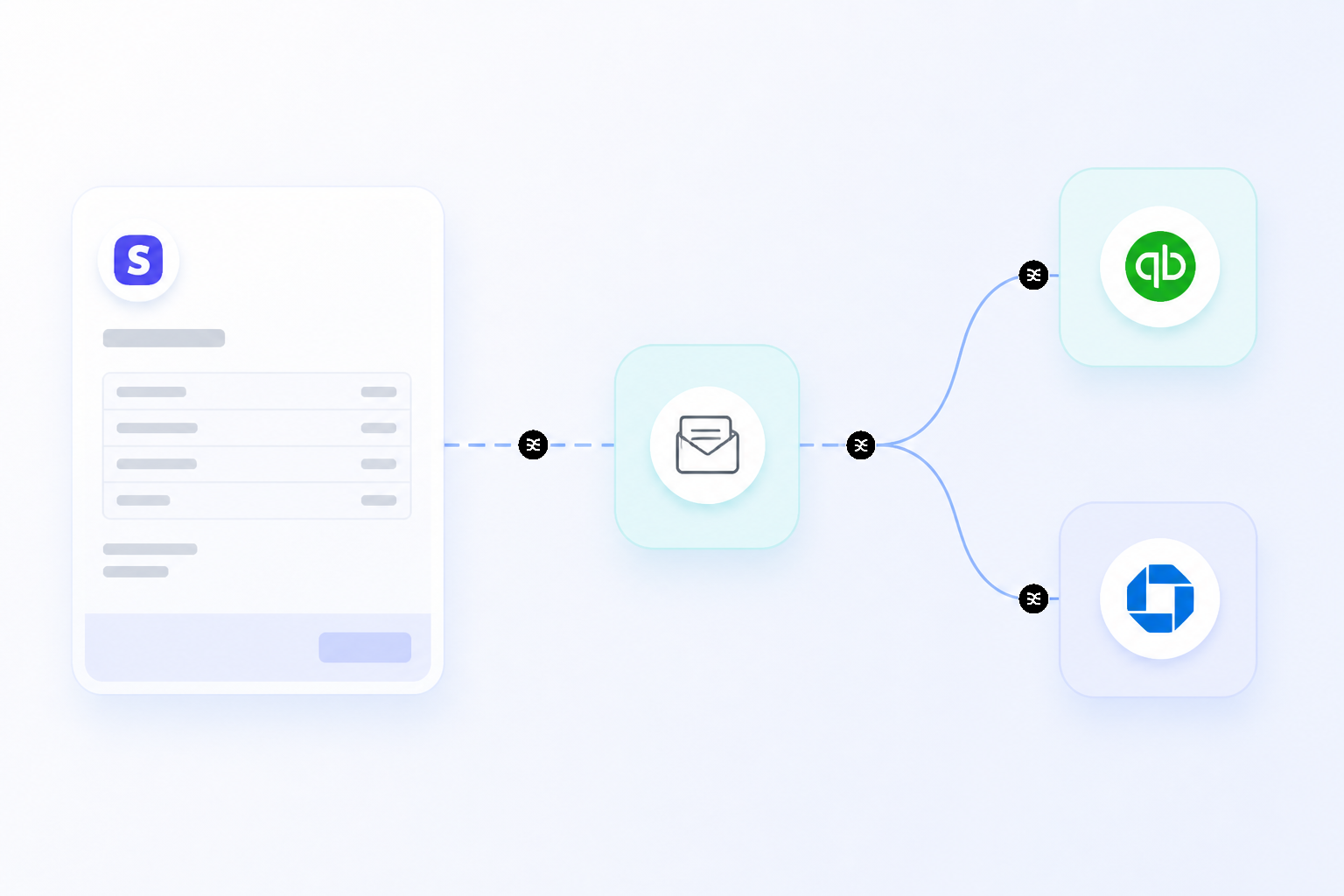
You've finished the project, delivered the goods, and done your part. You create an invoice, attach it to a carefully worded email, hit send, and then you wait. That waiting period, whether it's days or weeks, is where cash flow problems begin.
Many business owners find themselves in a frustrating cycle of sending reminders and checking bank accounts, even when using modern payment tools. The core issue often isn't the tool itself, but how it's being used.
The way customers can pay has a direct impact on how quickly they do. For businesses on Stripe, for example, even just showing one additional payment method beyond cards increases conversion by about 7% on average. Solving the problem of late payments requires looking at your entire process, from what you send to how you collect.
An invoice sent as a static attachment is a dead end. A modern invoice is a live, interactive document that makes paying as easy as possible for your client and automates the busywork for you.
Is Your Invoicing Process Just a Glorified Email?
If your invoicing workflow involves creating a document in Word or Excel, saving it as a PDF, and attaching it to an email, you're leaving money on the table. This manual process is slow, prone to errors, and creates a disconnect between the bill and the payment. Your client has to download the file, log into their bank, manually enter details, and send the payment.
Every step adds friction and another opportunity for them to get distracted or put it off until later.
Yes, Stripe does do invoicing, but its power lies in moving beyond this outdated model. Stripe Invoicing creates a hosted, trackable invoice that you can send as a link. When your client clicks it, they land on a professional payment page where your branding is clear and their payment options are laid out.
They don't need to download anything or manually input transfer details. They can pay instantly with a credit card, ACH bank debit, or a digital wallet like Apple Pay or Google Pay.
This connected system does more than just look good. It automates the tedious work of accounts receivable. Stripe can automatically match incoming payments to the correct open invoices and update your records in real time.
This eliminates the need to manually check your bank statement and cross-reference payments with a spreadsheet of outstanding bills. It makes invoicing an active part of your financial operations.
What Happens After You Click 'Send'?
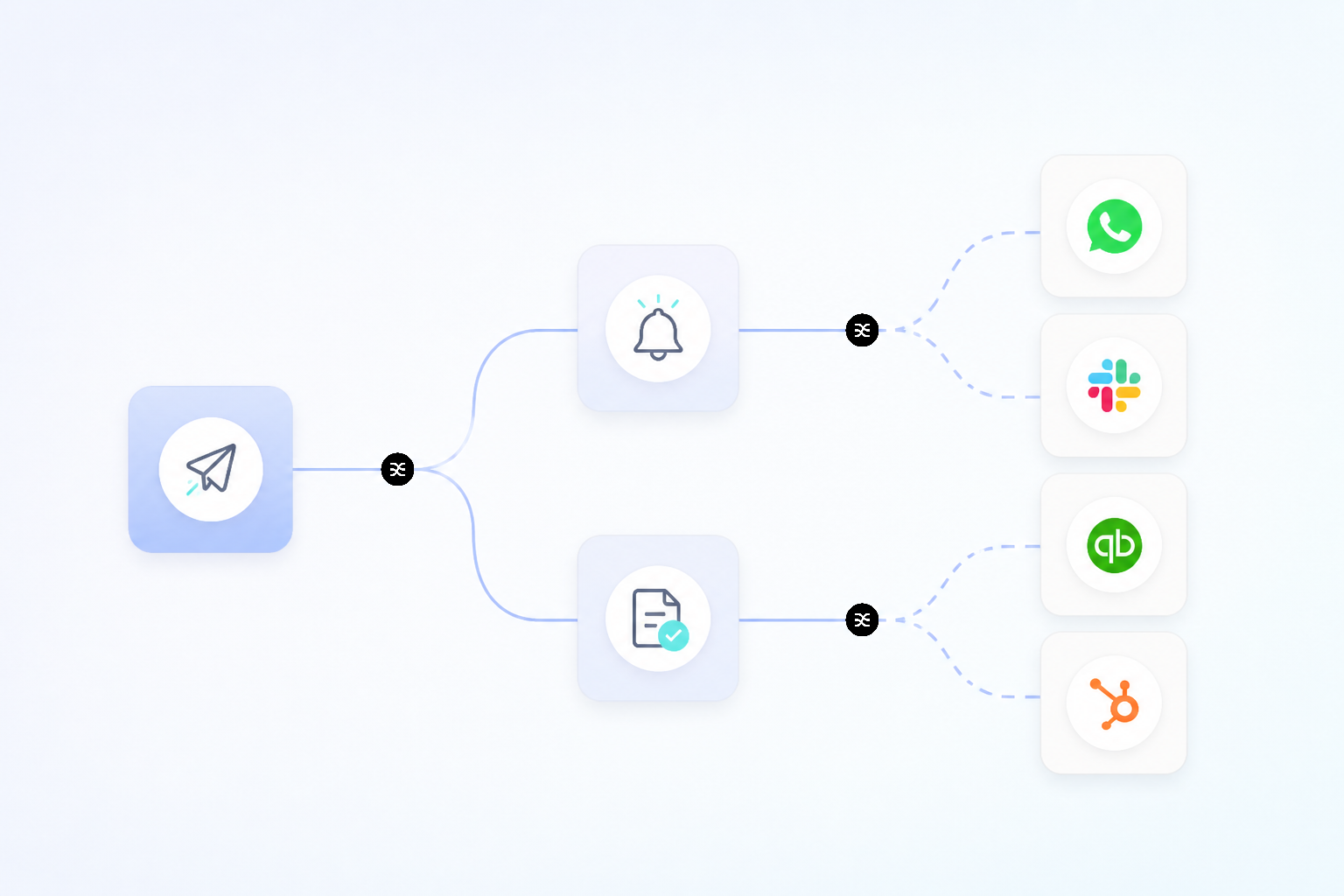 For many businesses, the real work begins after an invoice is sent. Chasing down payments consumes time and emotional energy that could be spent on growing your business. The problem isn't just that clients forget, it's that traditional invoicing gives them no easy way to remember or act.
A good invoicing system solves this by addressing what happens in the days and weeks after the initial send.
The Manual Chase vs. Automated Nudges
How much time do you spend each month writing polite follow-up emails? " This manual chase is inefficient and uncomfortable. A much better approach is to systematize the follow-up.
When you use a platform where Stripe does invoicing, the system can be configured for automatic invoicing reminders. You can set rules to send a polite nudge a few days before the due date, on the due date, and at set intervals after it becomes overdue. Because these reminders include a direct link to the payment page, the client can resolve the bill in seconds.
This automation turns an awkward, manual task into a reliable, hands-off process that keeps cash flowing without straining your client relationships.
The Friction of Limited Payment Options
Perhaps the biggest reason invoices go unpaid is simple friction. If you only accept bank transfers, you're forcing your client to conform to your payment method, which might not be convenient for them. Giving customers choices is one of the most effective ways to get paid faster.
The data on this is compelling. Beyond the average 7% conversion lift from adding just one payment option, the results can be dramatic in specific markets. Adding Alipay for customers in China can lead to a 91% increase in conversion, while in the Netherlands, supporting the popular iDEAL method increases it by 39%.
It's not just about global business, either.
On average, digital wallet users spend 31% more than customers who use other methods. By making it easy for someone to pay with their preferred method, be it a card, a bank debit, or a digital wallet, you remove a major barrier to payment. Stripe does invoicing with this flexibility built-in, supporting dozens of payment methods around the world.
Beyond the Basic Invoice: Stripe's Monetization Engine
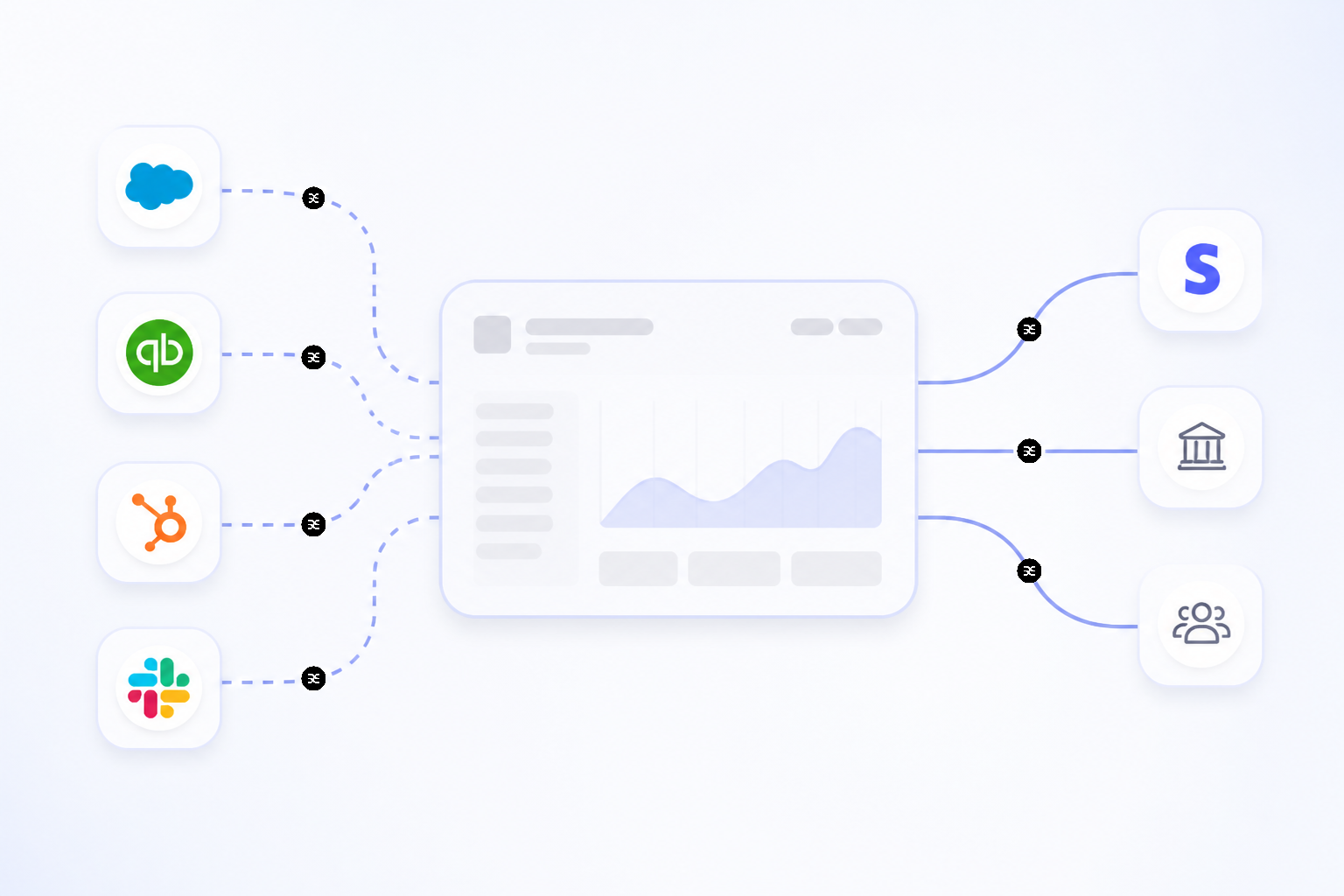 Thinking about invoicing in isolation misses the bigger picture. For businesses with recurring revenue, subscriptions, or usage-based pricing, a simple one-off invoice is not enough. You need a system that can manage the entire customer lifecycle.
This is where Stripe Billing, the company's broader monetization suite, comes into play.
Stripe Billing is designed for everything from simple monthly subscriptions to complex, metered billing. It's an engine trusted by fast-growing companies like Figma, and Atlassian.
The platform's success is reflected in its scale; Stripe Billing surpassed a $500 million revenue run rate in early 2025 and is on track to become a billion-dollar business line. It is clear that the platform does do invoicing, but it also handles the complexities of modern revenue models.
Comparing this integrated approach to traditional methods highlights the gaps in older workflows.
| Feature | Traditional Invoicing | Stripe Invoicing & Billing |
|---|---|---|
| Creation | Manual (Word, Excel, basic tools) | In-dashboard, no-code, or via API |
| Delivery | Email attachment (static PDF) | Hosted link, automated email, trackable |
| Payment Methods | Check, bank transfer | Cards, digital wallets, bank debits, international methods |
| Reconciliation | Manual matching in accounting software | Automatic, real-time reconciliation |
| Follow-up | Manual emails and phone calls | Automated payment reminders and collection logic |
| Recurring Revenue | Manual re-billing each period | Automated subscriptions & usage-based billing |
This shift from static documents to a dynamic system is fundamental—it is about building an infrastructure for revenue, not just a process for billing.
Is Stripe Invoicing Right For Your Business Size?
A common question is whether a tool like Stripe Invoicing is designed for a specific type of business. According to an analyst note from MGI Research, Stripe's billing products are well-suited for early-stage companies and also for divisions within larger enterprises experimenting with new subscription models. It provides an easy-to-use foundation.
However, its use by major public companies like Atlassian and Slack shows that it can and does scale to handle significant complexity and volume. The platform grows with you. As your needs evolve, you can tap into more advanced features.
For instance, the stripe invoicing fees can vary. While basic invoicing is bundled with payment processing, more advanced suites like Stripe Billing Scale have separate fees for features like Revenue Recognition, which automates accounting compliance. This allows businesses to pay only for the complexity they need.
Managing the influx of cash from these sophisticated payment setups introduces a new, positive challenge: organizing your money. Whether you receive large, infrequent payments or thousands of small subscription charges, that income needs to be allocated correctly. Some business owners use automation tools to bring order to this process.
For example, a system like Sequence can be set up to sort payments into different pots for taxes, operating expenses, and owner's pay the moment the funds land in a primary business account. This creates a clear, automated workflow that ensures every dollar from a paid invoice has a job, bringing predictability to an otherwise variable income stream.
Taking Control of Cash Flow, Not Just Invoices
The fact that a platform like Stripe does do invoicing is only the starting point. Simply generating a bill is not a strategy. The real opportunity lies in rethinking the entire process of how you get paid.
By shifting from static PDFs to live, interactive payment pages, you make it easier for your clients to pay you on their terms.
Adopting automated reminders frees you from the awkward and time-consuming task of chasing overdue payments. Offering a variety of payment methods, from cards to digital wallets, demonstrably increases the likelihood of getting paid on time. Together, these elements make invoicing an active, intelligent cash flow engine.
Ultimately, taking control of business finances means building systems that work for you. A modern invoicing process is one of the most effective levers to make cash flow healthier, more predictable, and less stressful.